What's New
Every Update. Every Fix. Fully Documented.
Follow the evolution of Vaultik — new features, security improvements, integrations, and bug fixes, shipped continuously.
7 Fixes Across Restore, Notifications & Integrations
New Feature
Integration
Bug Fix
Summary : This patch resolves seven reported issues affecting restore operations, email notifications, and third-party integration syncs. No new features — just a cleaner, more reliable Vaultik.
Fixes included :
Restore timeout on large accounts — Fixed a timeout error that occurred when restoring accounts with more than 10,000 files. Restore now completes correctly regardless of account size.
Duplicate backup notifications — Users with multiple team members were receiving duplicate email alerts for the same backup event. Notification deduplication logic has been corrected.
Google Drive sync interruption — An authentication refresh issue caused Google Drive backups to silently fail after 24 hours without re-authentication. Token refresh now happens automatically in the background.
Incorrect storage gauge display — The storage usage indicator on the dashboard was displaying values 12–15% higher than actual usage due to a calculation error with deleted snapshots. This is now accurate.
Notion sub-page exclusion bug — In certain workspace configurations, Notion sub-pages nested more than 3 levels deep were excluded from backups without warning. All nested content is now captured correctly.
Audit log timestamp offset — Audit log entries were displaying timestamps in UTC regardless of the user's configured timezone. Timestamps now reflect local timezone settings.
Integration status badge stuck on "Syncing" — Some integrations showed a permanent "Syncing" status badge after a completed backup. Badge state now updates correctly after each cycle.
Why it matters : Reliability is the foundation everything else is built on. These fixes address real friction points reported by real users — and each one brings Vaultik closer to the seamless experience you should expect.
File Recovery History
Recovery
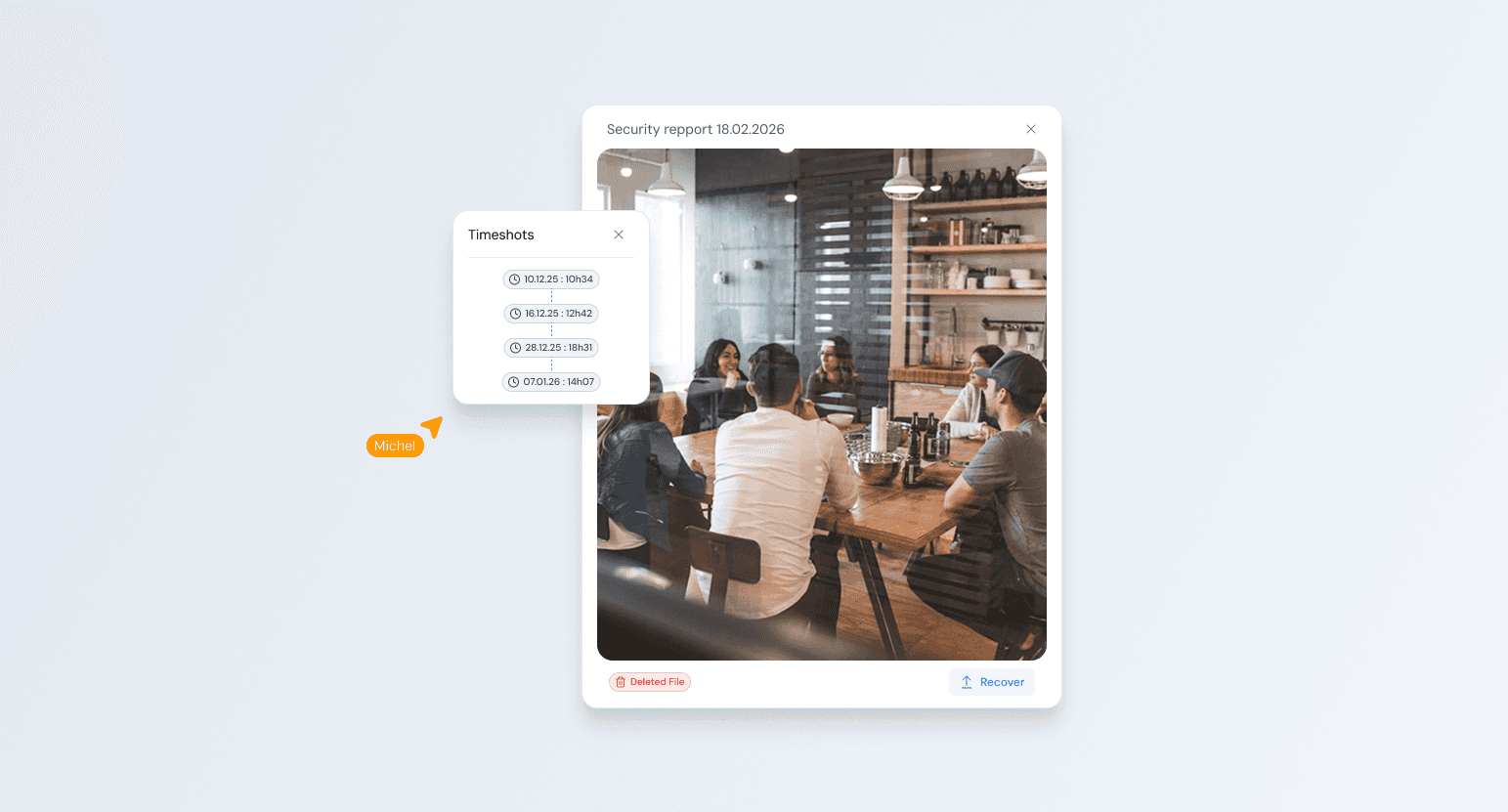
Summary : You can now access a complete, searchable history of every file recovery your team has ever performed — with full context on who restored what, from which snapshot, and when.
What's new :
The new Recovery History panel lives under the Restore tab in your dashboard. It logs every restore operation automatically : the files or accounts recovered, the snapshot point selected, the user who triggered the restore, and the exact duration of the operation.
Each entry is expandable — clicking into a recovery event gives you a full diff view comparing the restored version against the current state, so you can confirm exactly what changed. Entries are immutable and tamper-proof, making this log suitable for compliance and internal audit purposes.
You can filter by date range, integration source, team member, or restore type (file, folder, full account). Exports are available in CSV and PDF.
Why it matters : Until now, teams had no structured way to review past restores. This update gives ops leads, CTOs, and DPOs a clear, auditable trail of every recovery event — without having to dig through emails or Slack threads.
AES-256 Encryption
Security
Summary : We've upgraded our encryption architecture to apply AES-256 across every layer of the backup pipeline — in transit, at rest, and during restore operations. Your data has never been more secure.
What's new :
Previously, AES-256 was applied at the storage layer. Starting with this release, encryption is enforced end-to-end : from the moment your data leaves your tool, through every transfer node, through storage, and back to your device during restore. No gap, no exception.
We've also introduced customer-managed encryption keys (CMEK), giving you full control over your own key lifecycle. You can rotate, revoke, or audit key usage at any time from the new Security Settings panel. Vaultik never stores or has access to your private keys — zero-knowledge by design.
Finally, we've added multi-region key management, letting Enterprise customers choose the geographic region where their keys are generated and stored.
Why it matters : AES-256 is the gold standard for data encryption — used by governments, financial institutions, and the most security-conscious organizations in the world. This update brings that same standard to every byte of data you trust Vaultik with.
6 New API Connections
New Feature
Integration
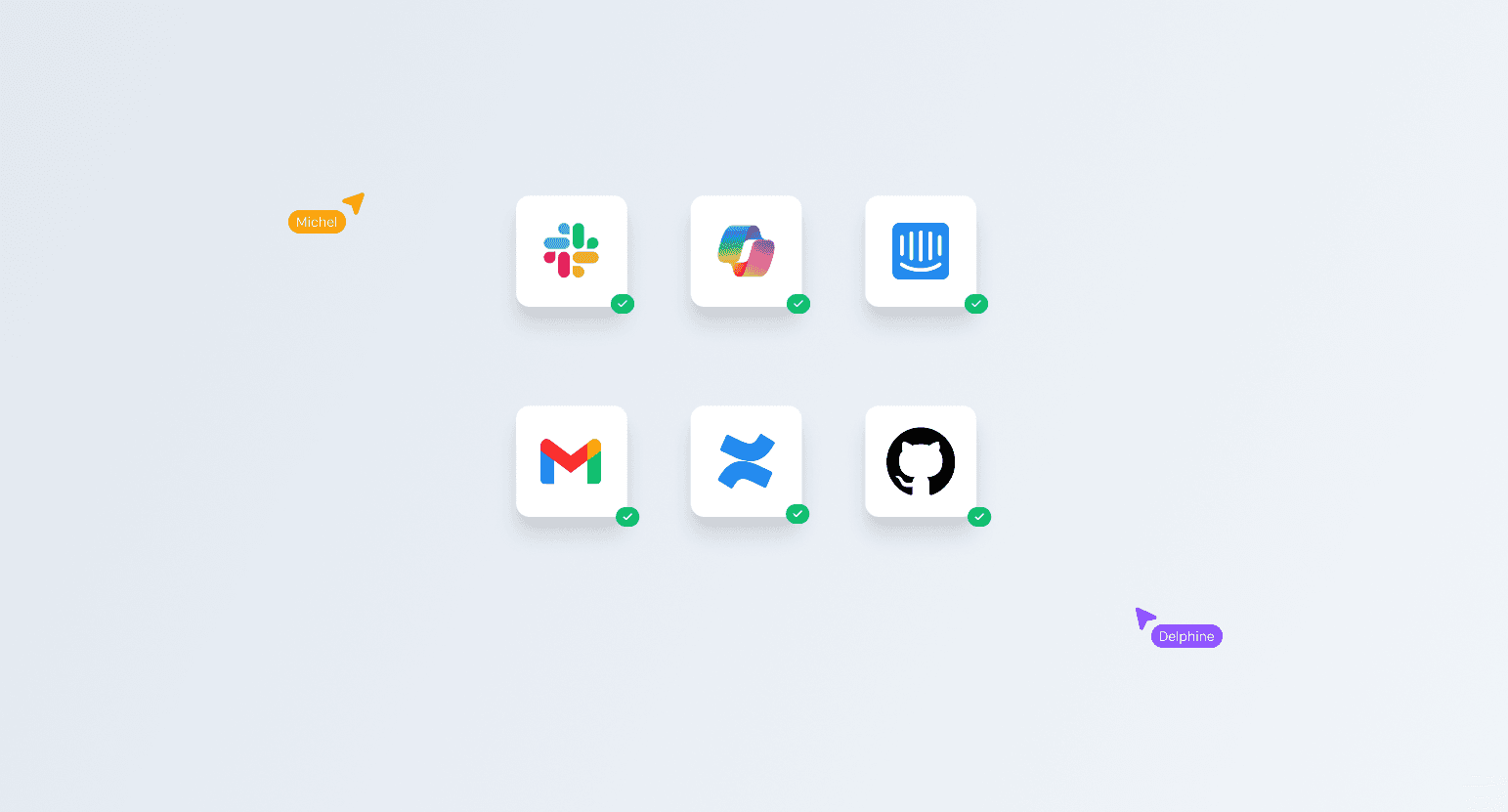
Summary : Your entire stack is now covered. We're rolling out native API integrations for six of the most-requested platforms — all available today from your Connections dashboard.
What's new
Each integration is one-click to activate and auto-detects available data sources within your account. Here's what each covers :
Slack
Backs up channels, DMs, files, and message history. Retention policies apply per workspace. Useful for compliance and recovering accidentally deleted conversations.
Microsoft 365
Full coverage of Outlook, OneDrive, SharePoint, and Teams files. Syncs in real time with delta backup to avoid duplicating unchanged data.
Intercom
Archives conversations, contact records, and help center articles. Critical for support teams who rely on historical context.
Gmail
Backs up inbox, sent items, labels, and attachments. Restore individual emails or full label trees at any point in time.
Jira
Captures projects, issues, sprints, comments, and attachments. Never lose a ticket or a backlog again.
GitHub
Repositories, branches, issues, pull requests, wikis, and releases. Supports both public and private repos across your organization.
Why it matters : These six platforms represent the core of most modern teams' workflows. With this update, Vaultik protects not just your files — but your conversations, your code, and your customer relationships.
Redesigned File Drop Interface
New Feature
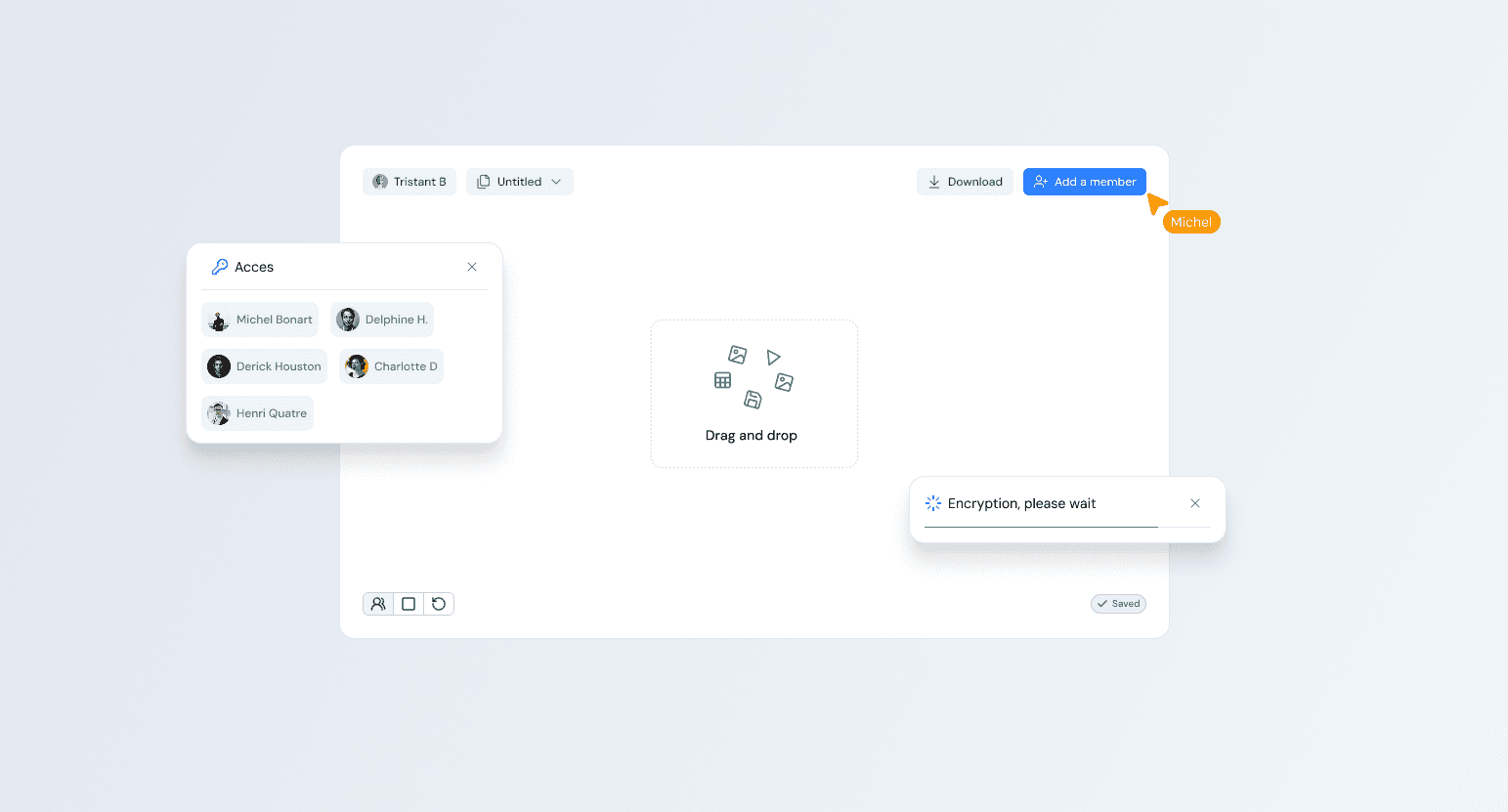
Summary : Uploading and managing your files just got a lot more intuitive. We've completely rebuilt the file deposit interface from the ground up — cleaner, faster, and designed around the way your team actually works.
What's new :
The new drag-and-drop zone now supports bulk uploads of up to 500 files in a single drop, with real-time progress tracking per file. A new smart detection layer automatically identifies file types and routes them to the correct backup destination. You'll also find a redesigned upload history panel directly accessible from the dashboard, so you always know what was uploaded, when, and by whom.
We've also added folder structure preservation — when you drop an entire directory, Vaultik now mirrors the exact hierarchy in your backup, no flattening.
Why it matters
Manual file deposits were one of the top sources of friction reported by our users. This update eliminates that entirely. Whether you're uploading a single contract or a full project folder, the process is now seamless and error-proof.